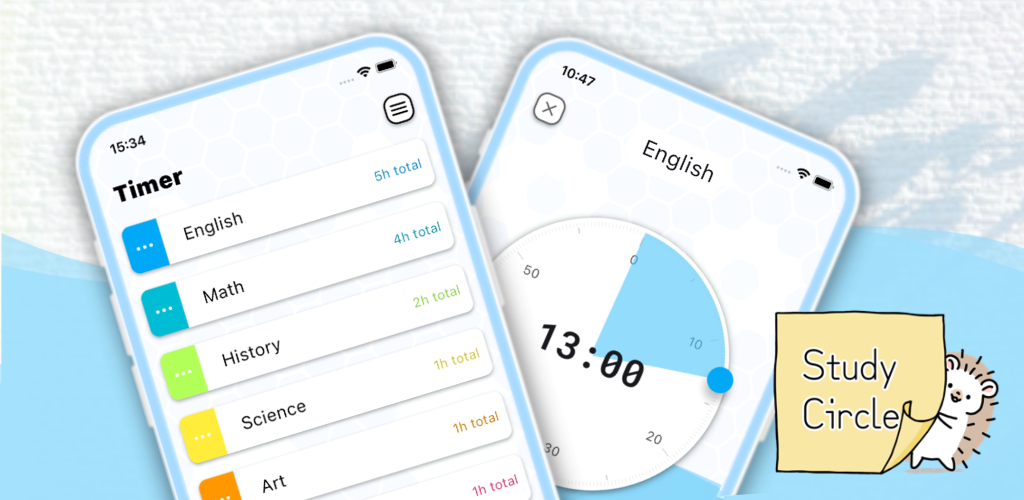
Study Circle is a focus app to enjoy studying. If you are having a hard time finding the motivation to study, or if you feel anxious about studying alone, this is the app for you.


4 secrets to increase motivation!
(1) Focus with Friends
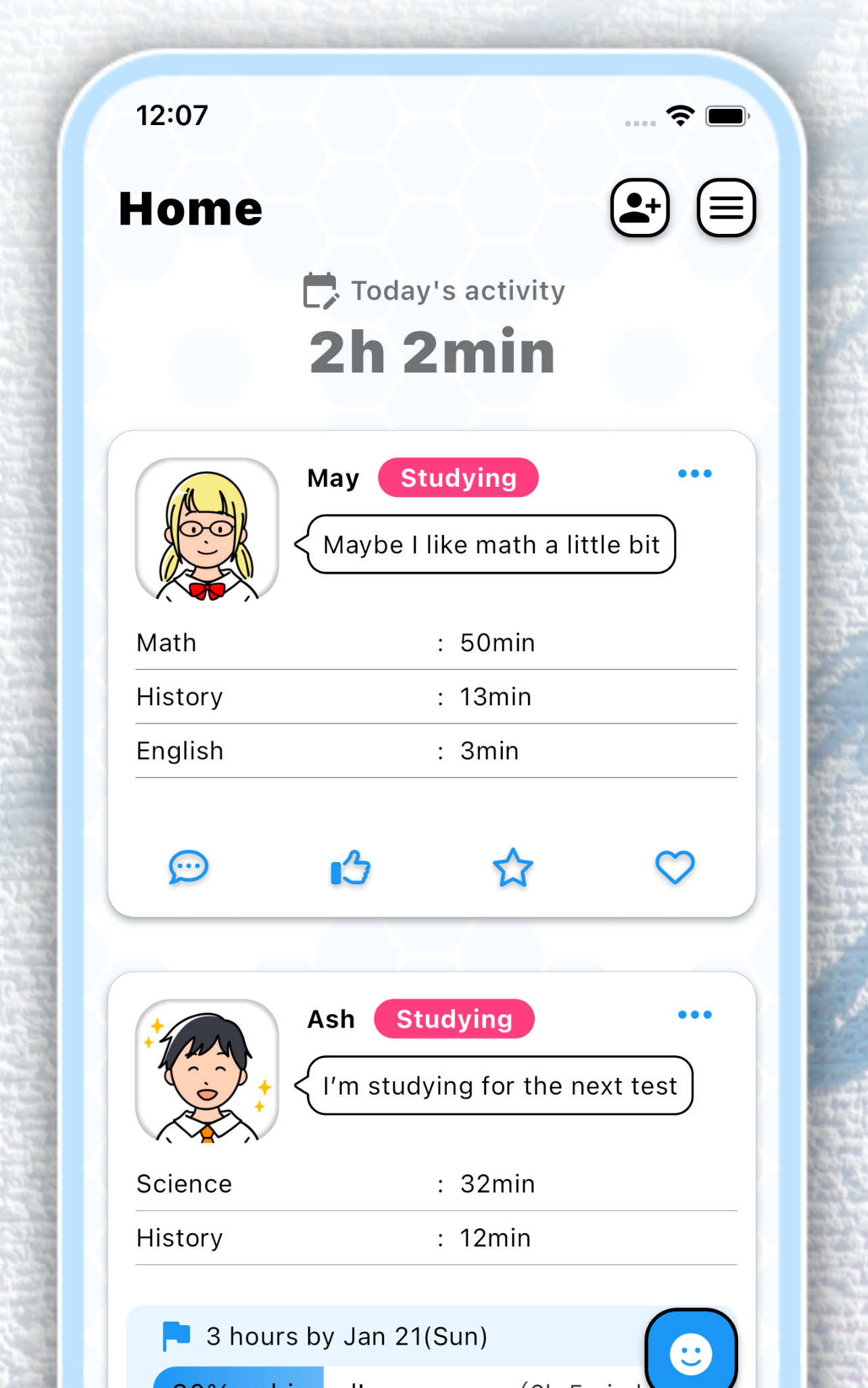
With your friends, you can do your best. In Study Circle, you can share your study activity records and goals with your friends.
Aim for your goals with everyone, anytime, anywhere.
(2) Intuitive Study Timer
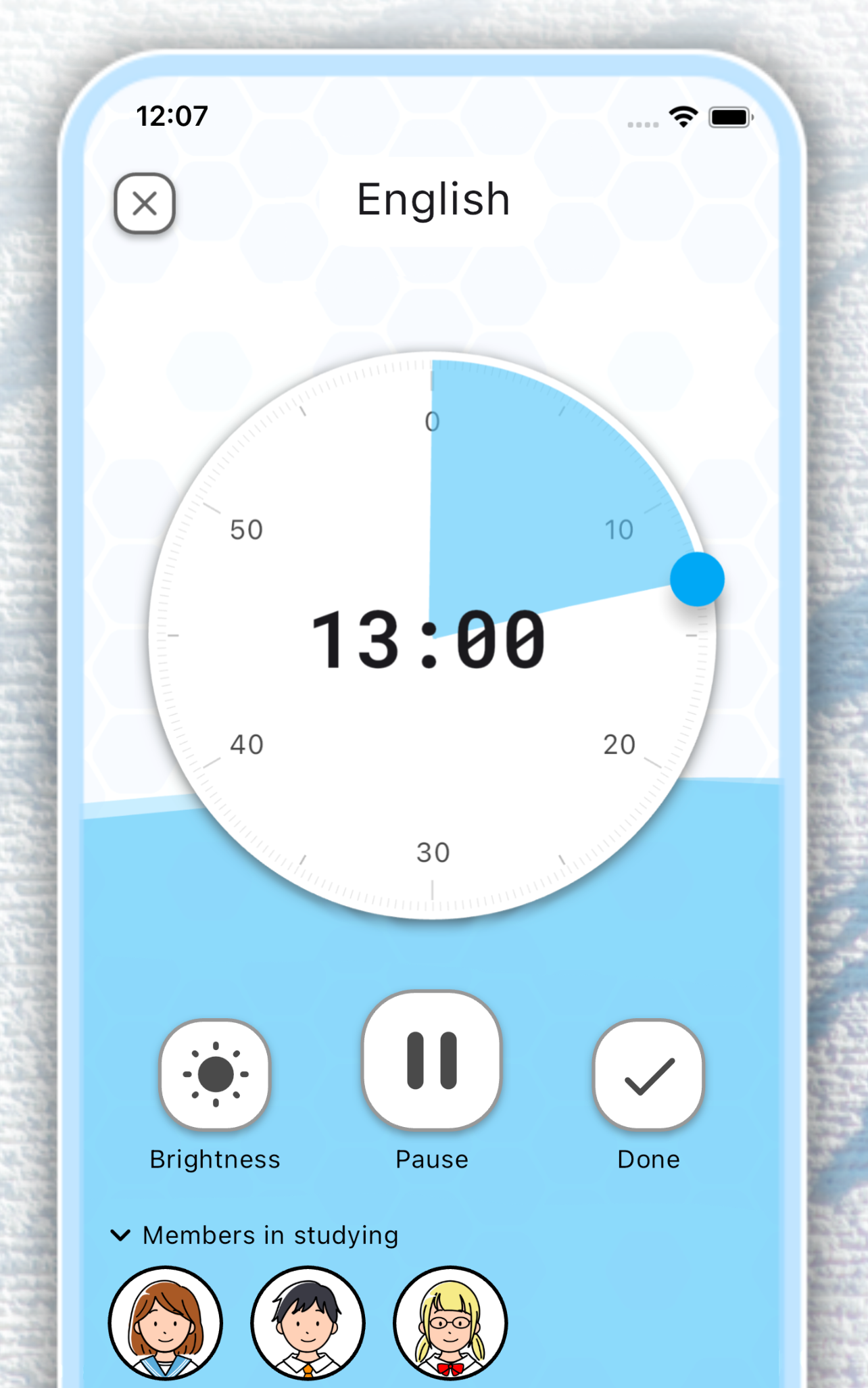
Study Circle tells you intuitively how much time has passed. You can study more easily by dividing your time with the timer and concentrating.
Once you choose a subject to study on, start the timer and immediately go into concentration mode.
(3) Support Your Friends
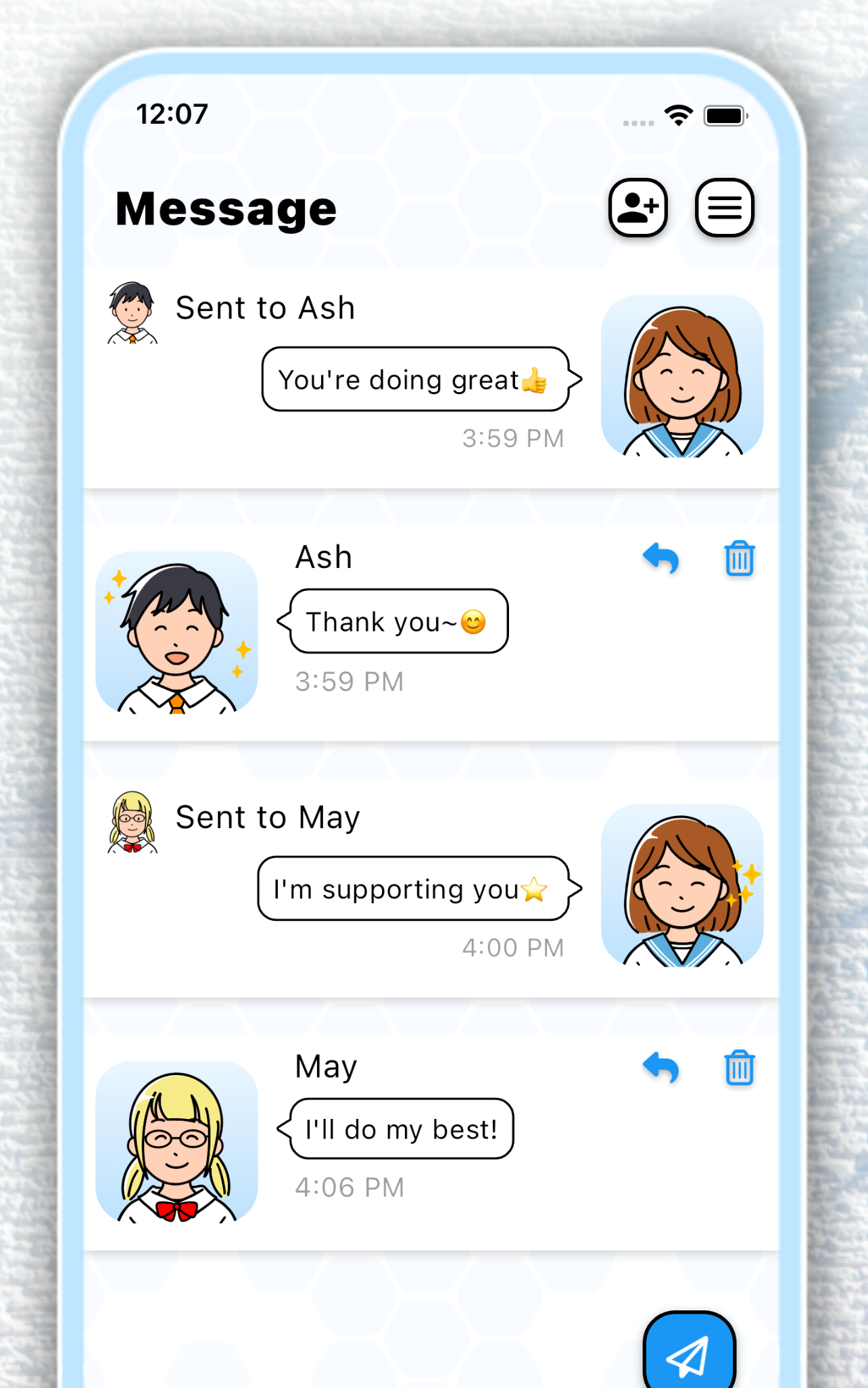
Your support will help your precious friends. By connecting with your friends on Study Circle, you can easily cheer each other.
Encourage each other with your friends and move forward with a positive mindset.
(4) Feel Your Progress
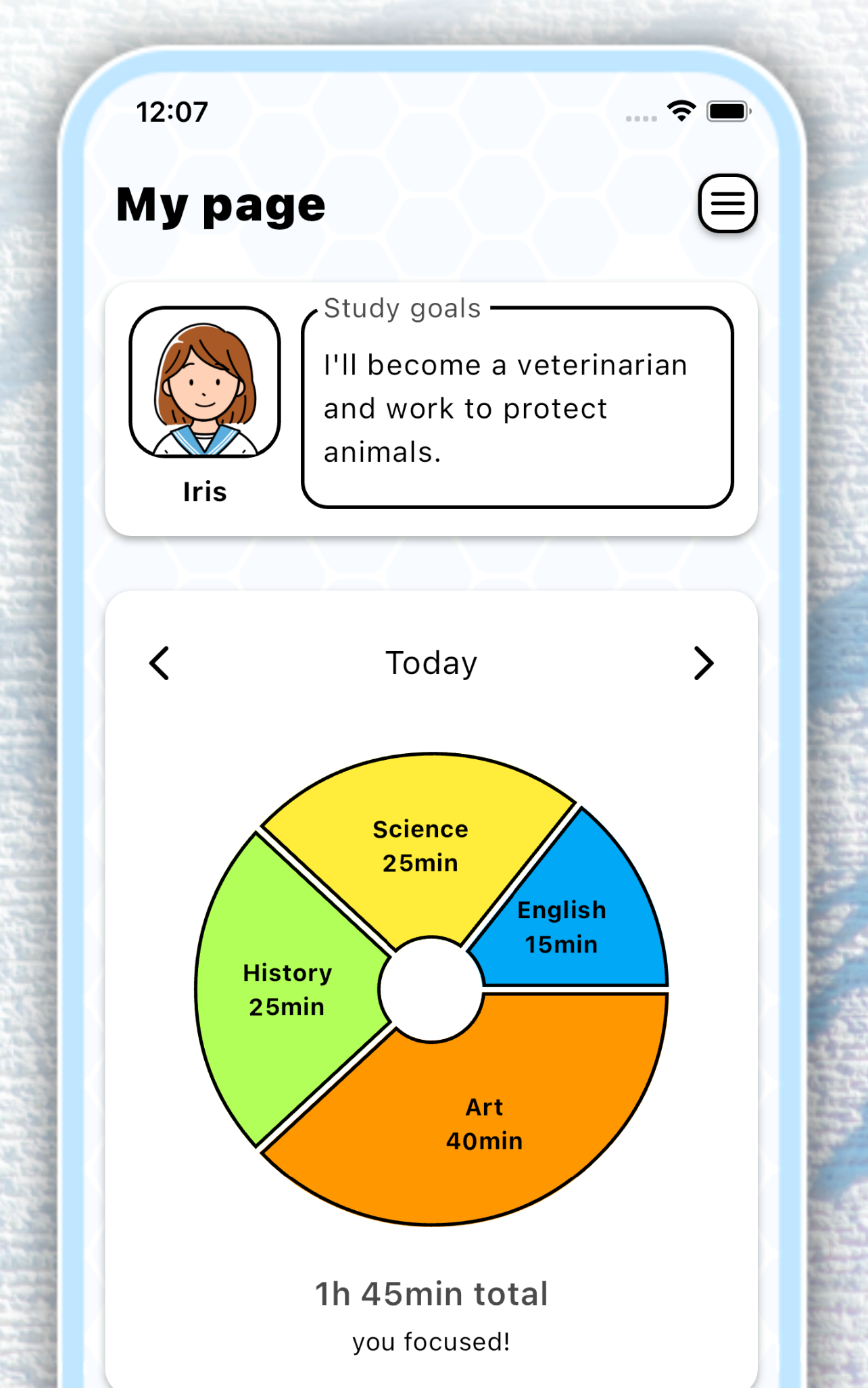
We save all your study records. You can look back on your daily records with colorful charts.
The accumulated records are the results of your daily efforts you have walked through.
How to use the app

Download




Looking for a PC version?
Study Circle is currently available as a downloadable app for Chrome OS and Mac. While it’s not currently available for Windows or Web browsers, you can use Windows’ “Phone Link” to display the smartphone app on your PC.
How to use Study Circle on Windows
If you use a smartphone from Samsung, HONOR, OPPO, OnePlus, realme, ASUS, Xiaomi, or vivo, you can remotely operate your apps directly from your laptop.
- Download Phone Link: Download the app on your Windows laptop from the Microsoft Store.
- Connect your devices: Open the app and follow the on-screen instructions to pair your smartphone with your laptop.
- Open Study Circle: Once connected, you can mirror your phone screen or open Study Circle directly on your Windows desktop.
For more detailed information on how this syncing works, you can visit Microsoft’s official page.
A Note on a native Window app or a web version
Hello, I’m a developer at Study Circle app. I’ve received many requests for a Windows-native version or a web version of Study Circle. I’m hopeful about developing one in the future. However, since Study Circle is being developed solely by me and is a free app with minimal revenue, I kindly request your understanding that securing the resources needed for Windows-native development is currently challenging for me. I appreciate your patience and support.
Other Apps